Lucky Table — Free Playtest
A downloadable game for Windows
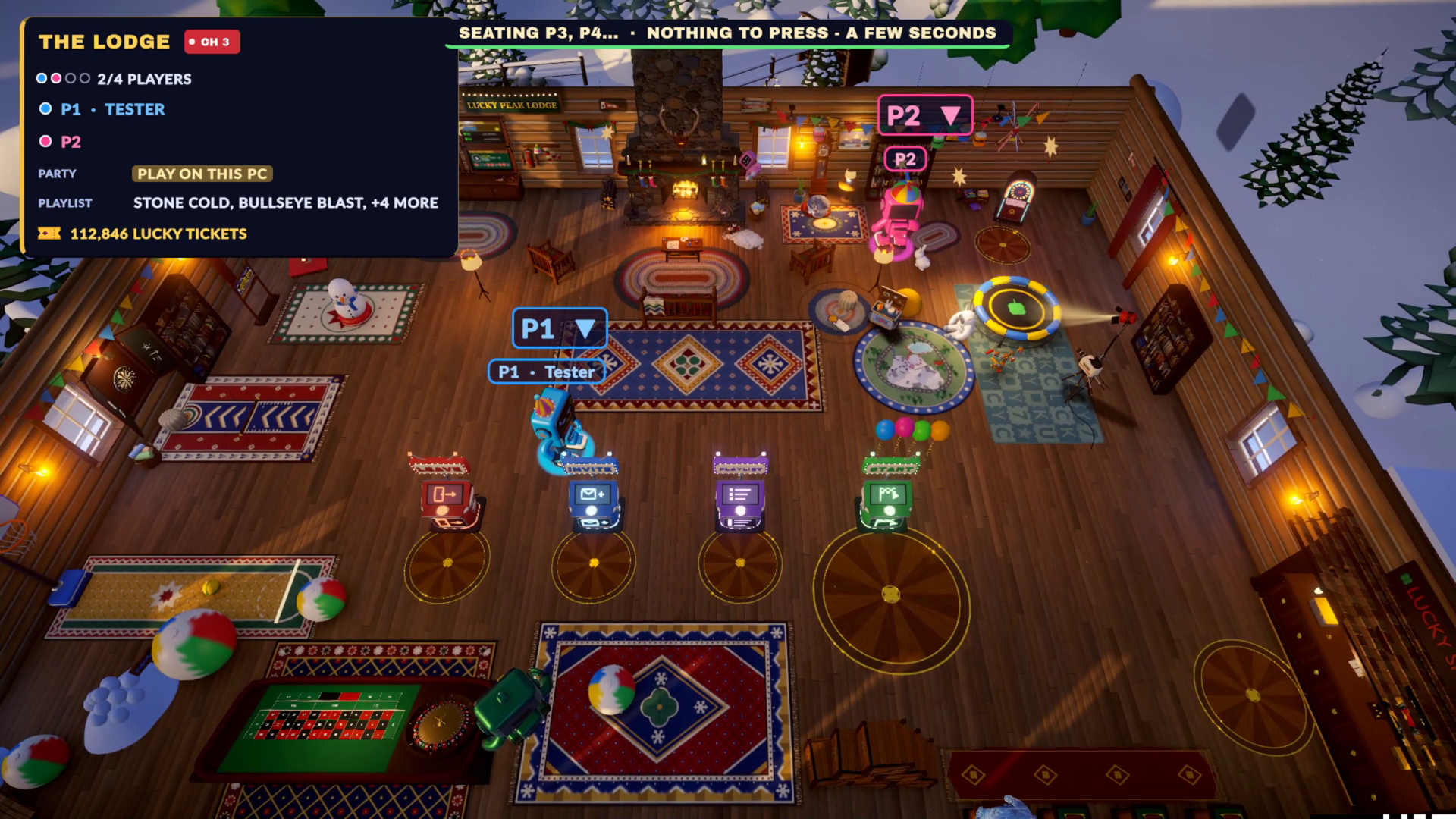
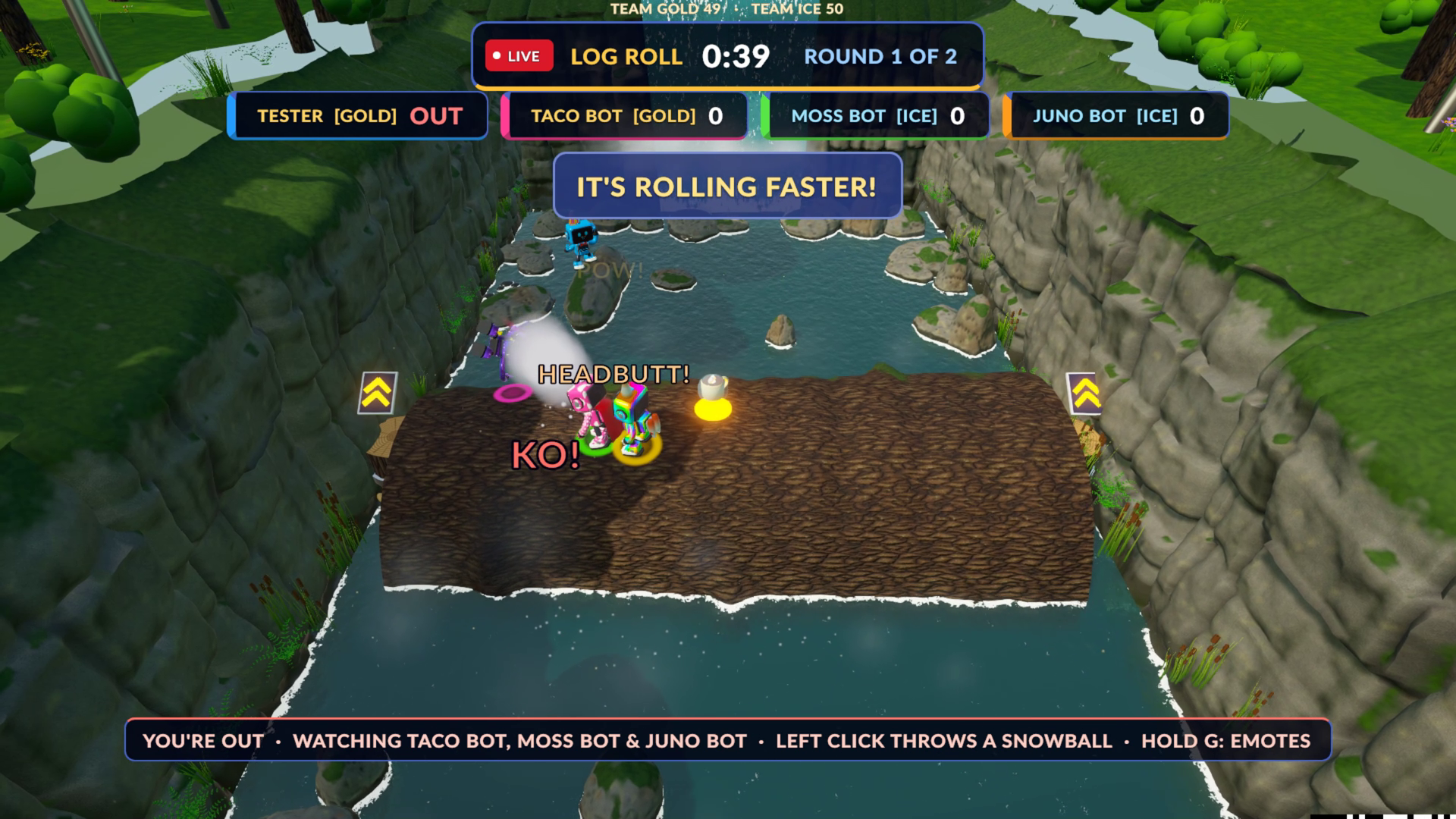
LUCKY TABLE is a party game show on a snowy mountain. Up to 4 TV-headed contestants battle through quick, chaotic minigames for the title of champion. This is a FREE PLAYTEST — the game is still being polished, and your feedback shapes the final Steam version.
WHAT'S IN IT
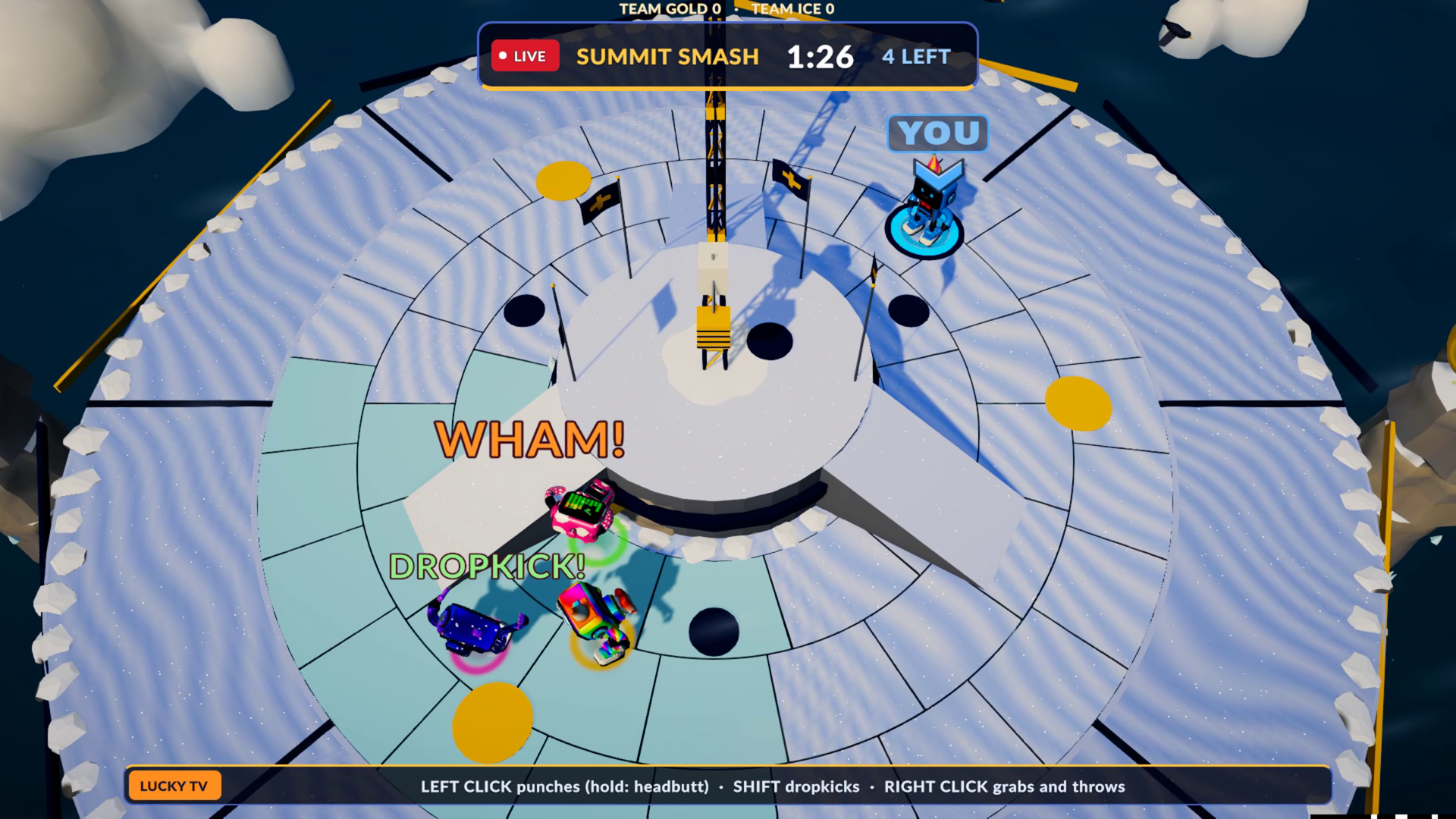
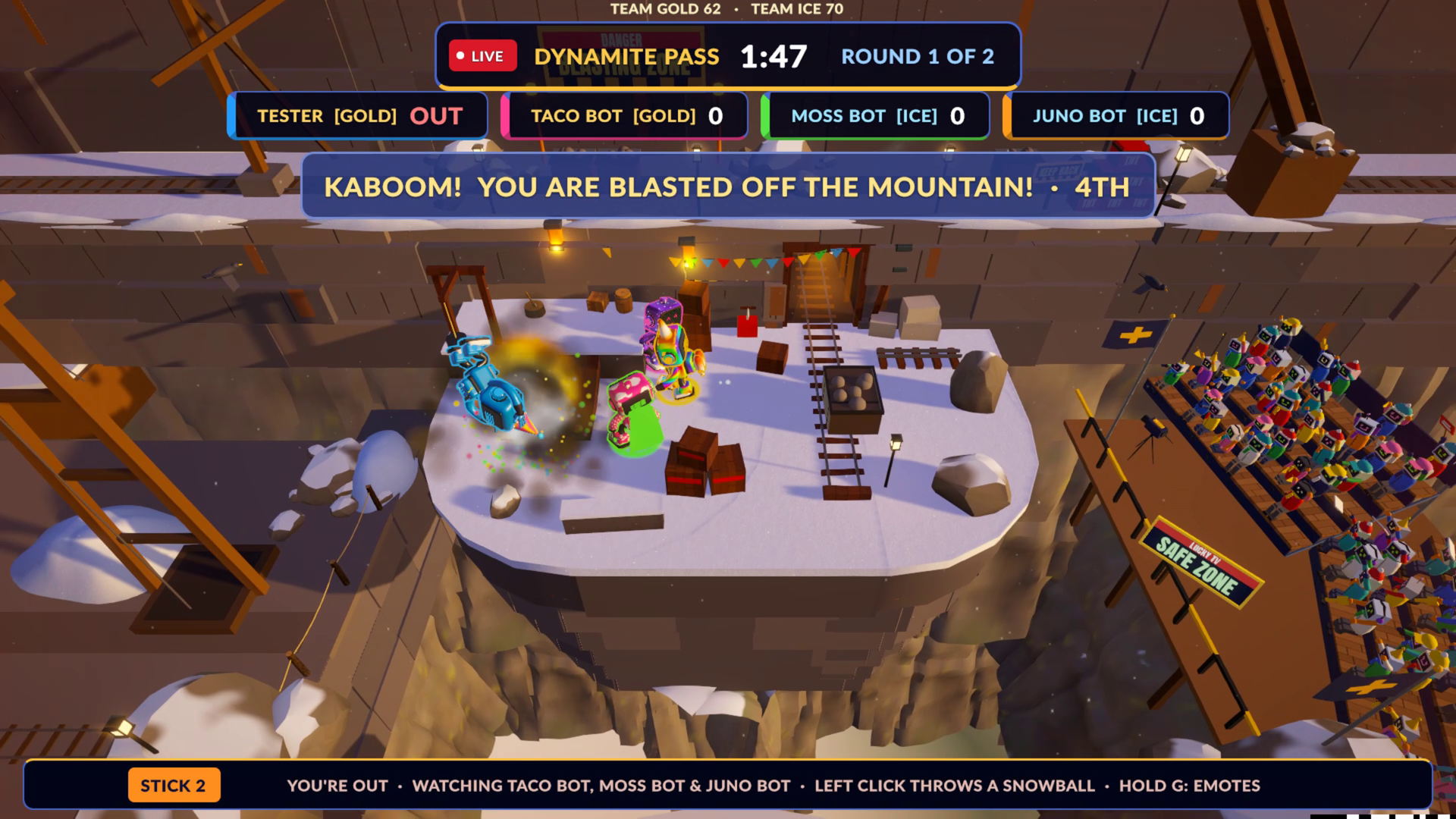
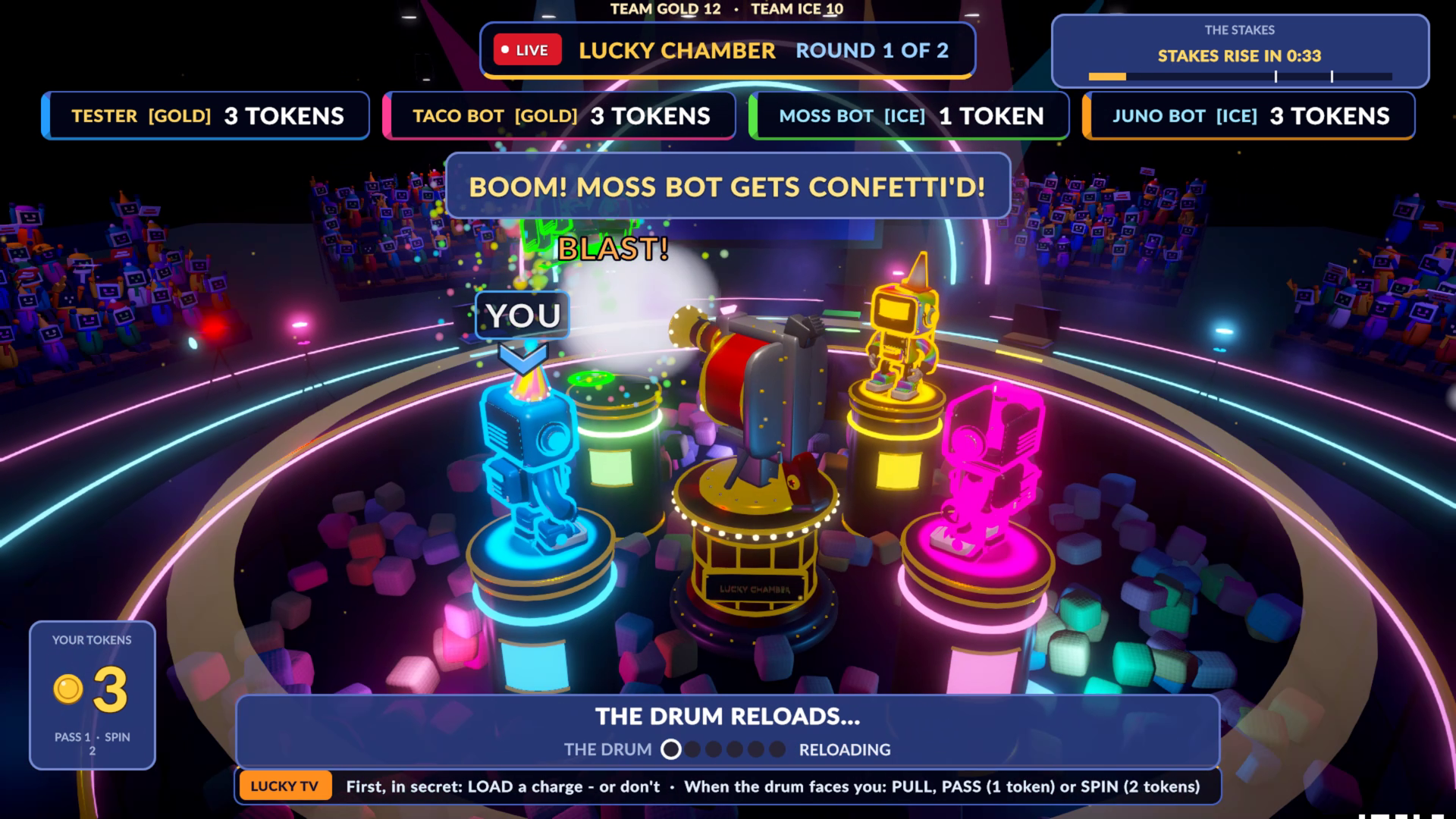
- 13 minigames: Summit Smash, Stone Cold, Lucky Chamber, Thin Ice, Avalanche Dash, Fresh Tracks, Blackout Lodge, Yeti Hunt, Lift Sweeper, Log Roll, Bullseye Blast, Sled Bumpers, Dynamite Pass
- Couch co-op: up to 4 players on one PC (keyboard + Xbox, PlayStation or Switch controllers)
- Play with bots (easy / normal / hard) if you're on your own
- Online with friends through Steam
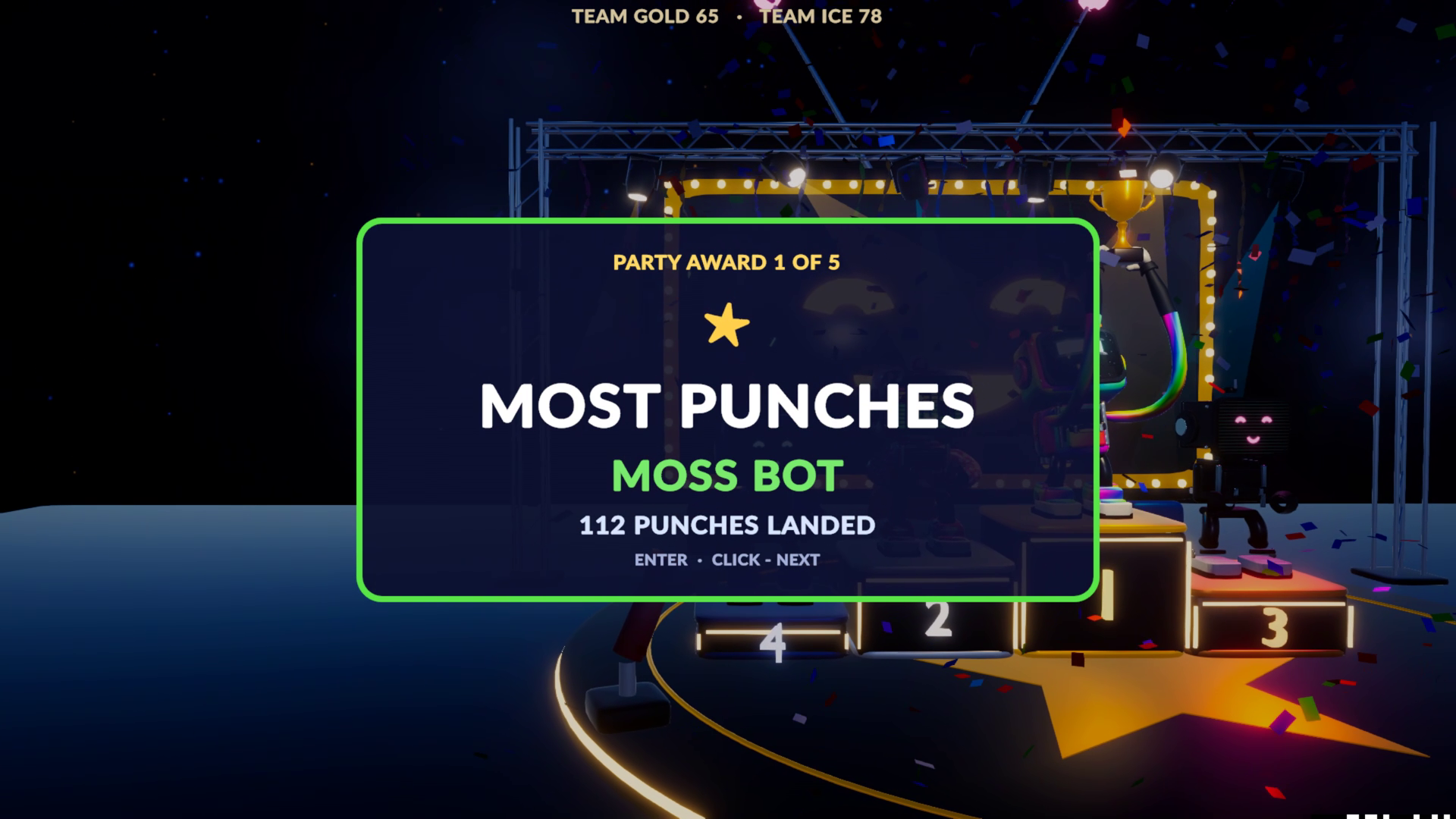
- Teams 2v2, end-of-party awards, highlight replays
- The lodge: shop, lucky wheel, darts, arcade, jukebox
- Colour-blind modes, bigger text, reduced flashing
HOW TO PLAY
1. Download and unzip the file (don't run it from inside the zip).
2. Double-click one of these:
PLAY_VS_BOTS.cmd – a full party against bots (easiest start)
PLAY_ONE_GAME_VS_BOT.cmd – pick one minigame
PLAY_ON_THIS_PC.cmd – couch co-op (press A on each controller to join)
PLAY_ONLINE_WITH_STEAM.cmd – online with a friend (Steam must be running)
3. If Windows says "Windows protected your PC", click More info → Run anyway. The game isn't code-signed yet; this is normal for indie builds.
Each game shows its controls before it starts.
ONLINE NOTE: until the game has its own Steam page, Steam shows it as "Spacewar" (Valve's free test app) — that's expected. Both players start the game first, then invite each other from the lodge.
FEEDBACK: please leave a comment below — what was fun, what was confusing, any bugs, and your PC specs. Thank you!
SYSTEM: Windows 10/11 64-bit, DirectX 12 GPU (GTX 1060-class or better recommended), about 1.5 GB disk space.
Download
Install instructions
1. Download the zip and right-click it → "Extract All..." (don't run the game from inside the zip).
2. Open the extracted folder and double-click PLAY_VS_BOTS.cmd to start a party against bots.
Other ways to play: PLAY_ONE_GAME_VS_BOT.cmd (pick one minigame), PLAY_ON_THIS_PC.cmd (couch co-op with controllers), PLAY_ONLINE_WITH_STEAM.cmd (online with a friend, Steam must be running).
3. If Windows shows "Windows protected your PC", click "More info" → "Run anyway". The game isn't code-signed yet; this is normal for indie builds.
4. If Windows Firewall asks about network access, click "Allow" (needed for online play).
Requires Windows 10/11 64-bit. No install needed — delete the folder to remove the game.
Leave a comment
Log in with itch.io to leave a comment.